
This is one of the largest updates we have shipped to I AM Transformation. Since our October 23 post, nearly a thousand improvements have gone live. Most of them are in three places creators told us matter most: the pages you use to invite people in, the live gatherings that keep a community together, and the reliability of everything behind the scenes.
Some of these changes you will see immediately. Others you will hopefully never notice, because their job is to make sure nothing goes wrong.
Below I walk through what changed, why it matters for you and the people you serve, and one simple thing to try in each area.

Conceptual illustration.
Funnel pages that answer the questions visitors are really asking
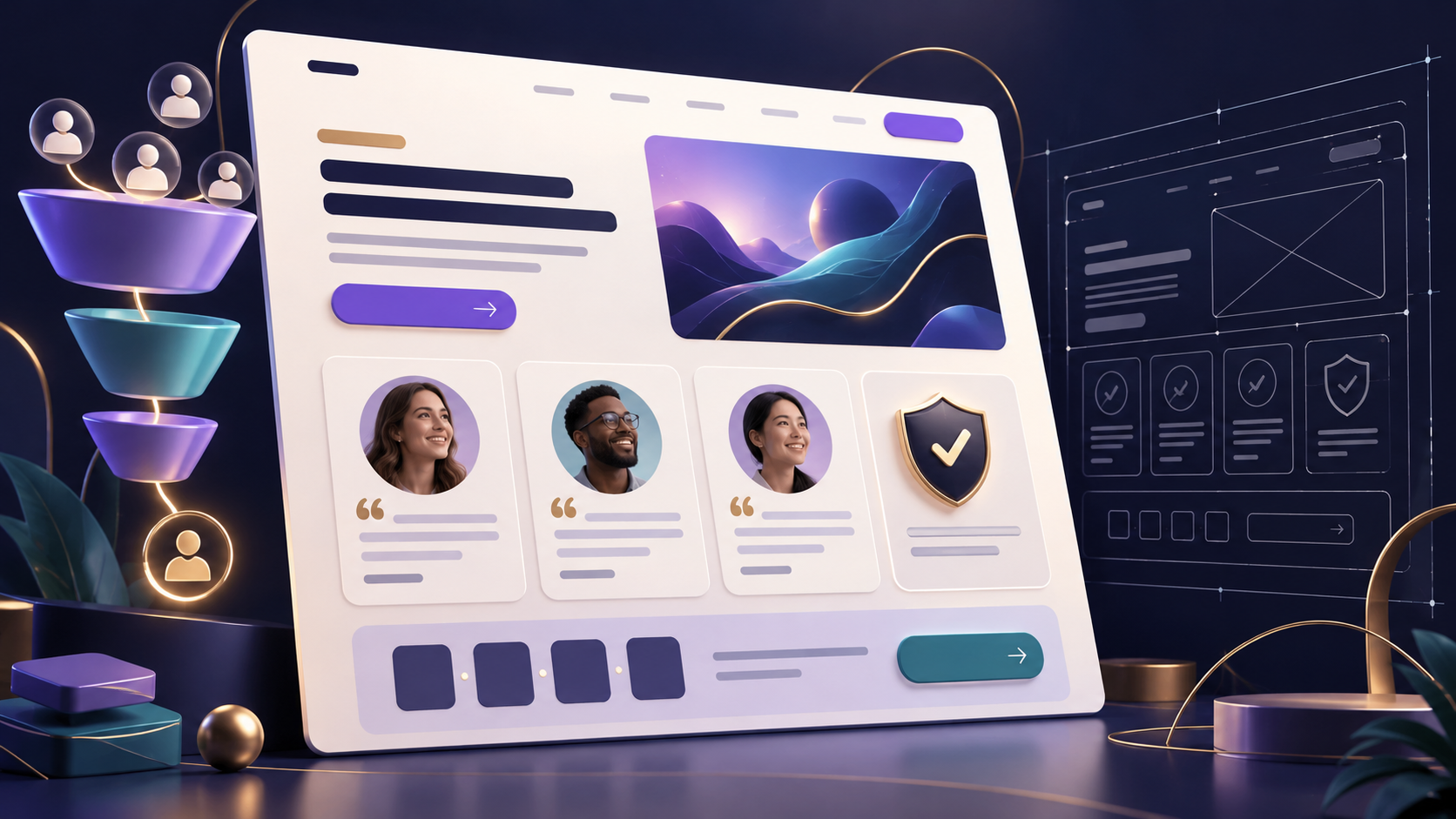
When someone lands on your page, they are quietly asking a few questions. Can I trust this? What exactly do I get? Is there any risk? Why should I decide now? The funnel builder now gives you native, ready-made blocks for each of those answers, so you can build a page that feels considered without needing a designer or a pile of plugins.
Show your guarantee, in your own words. You can now add a guarantee section and set exactly what you promise, including the number of days. Nothing is filled in for you. If you do not write terms, no terms are shown, so your page never displays a promise you did not make.
Let social proof do the talking. Testimonial sections can now be prepared and edited directly on the page. Public testimonials also load more reliably across communities, so the kind words people left for you actually appear where you placed them.
Logos and numbers that build credibility. A new logos and stats section lets you show where you have been featured, who you have worked with, or a few honest numbers about your work. Empty slots are left out instead of leaving gaps on the page.
Create real, honest urgency. Fixed-date countdowns are now available for genuine deadlines such as a cohort start, an early-registration date or the end of a workshop enrollment window. Use them for real dates only. Your audience can tell the difference, and trust is worth more than one extra signup.
Show progress. A progress bar block helps people see where they are, which works well for multi-step signups, application pages or a "you're almost there" moment.
Video that plays the way you want. You can now add your own MP4 video with a poster image and autoplay settings. There is also a new "watch and continue" section that pairs a video with the next step, which is ideal for a short welcome message followed by a clear call to action.
Conceptual illustration.
Small details that make a page feel professional
Lists, underline, line height and letter spacing. Bulleted and numbered lists, underlined text and finer typography controls give your copy the polish it deserves.
Text alignment per screen size. Center a headline on mobile and left-align it on desktop, so your page reads well on every device.
Gentle entrance motion. Sections can softly animate into view as visitors scroll, which adds life to a page without distracting from your message.
Buttons that go where they should. Buttons can now link directly to one of your booking links or to your community, chosen from the ones you actually own, so a typo can never send a visitor to the wrong place.
Header links to your saved pages. Build a simple site menu that links between the pages you have already created.
Quick-add contact fields. When you build a form, you can add standard contact fields like name and email with one click, and they connect cleanly to your CRM.
Search details for every page. You can set a page's search title and description yourself, and older published funnels now show their search visibility more clearly.
Find the right template faster. Template search now looks at template descriptions as well as names, and there is a new multi-page creator resource starter you can adapt.
Building on your phone. The block palette now scrolls properly on mobile, so you can make quick edits away from your desk. Undo is more dependable too. If a save is retried after a hiccup, undoing a change no longer loses your work.
Try this: open one of your funnels and add a guarantee or testimonial section above your main button. Preview it on your phone before you publish.
A note on the visual editor: we are also building a new drag-and-drop visual editor. It is not ready for everyday use yet, so it stays switched off while we finish it. Every improvement above is in the editor you already use today.
Weekly gatherings without the weekly setup
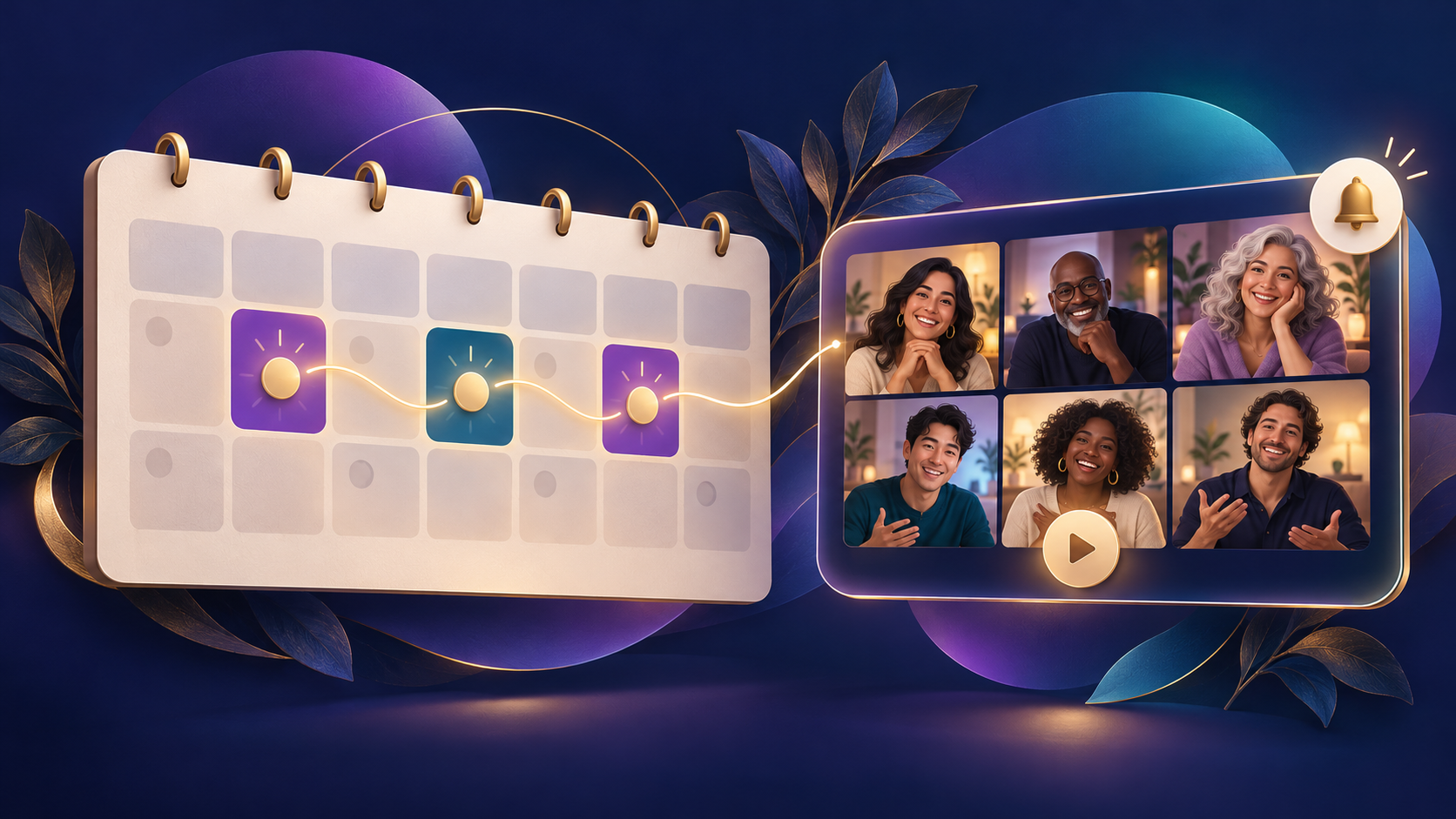
A community stays alive when people know when they will see each other next. You can now schedule a weekly series of community live sessions in one step instead of creating every session by hand. Members see the upcoming sessions together, and you choose a specific date in the series when you need to change just one.
Other improvements to events and live sessions:
Reschedule a single event while keeping the edits you have already made to it.
Multi-day events now show the correct end date.
Calendar downloads now open correctly in the calendar apps your members use.
Cover images for sessions update properly when you change them, and you can feature your own images for upcoming events.
Event actions fit on small screens, so hosting from a phone is easier.
Zoom connections are more dependable when you link your account.
Try this: if you host a regular call, set it up once as a weekly series and share the link in your community.
Conceptual illustration.
Your live sessions and recordings, protected
Few things hurt more than hosting a great session and then finding the recording is missing. A large part of this release went into making sure that does not happen.
Long and large recordings are kept safely and uploaded in resumable pieces. If a connection drops partway through, the upload continues instead of starting over.
Recordings that get stuck while processing now recover on their own instead of sitting in limbo.
Replays are kept even when a finishing step fails, so a technical issue at the end of a session does not cost you the whole recording.
The recording service can no longer fill up and stall, which protects every creator's sessions, not just yours.
You should not have to think about any of this. The point is that the session you put your heart into is still there afterwards for the members who could not make it live.
Know where every contact is in your follow-up
The CRM now shows a contact's autoresponder enrollments directly on their record, so you can see which email sequence someone is in without hunting through campaigns. The CRM also now clearly marks when a contact's marketing consent has not been confirmed, which helps you stay respectful and compliant with the people you contact.
Direct emails are now tied to the team member who actually sent them, and segment rules link through to tag management so you can tidy up how you organize your list.
Try this: open a contact you are actively talking with and check which sequence they are in before you send your next personal message.
Clips, people and the community feed
Follow creators straight from their clips, with follow buttons that stay accurate as you scroll.
See who liked a clip, and creators get more accurate watch-progress numbers in Studio, which now pages through all of your clips.
Find people to connect with: suggestions keep loading as you scroll and refresh after you follow someone.
Link previews in posts are more reliable, and the welcome message stays dismissed once you close it.
QR codes are sharper and now handle names and text in any language.
Stronger sign-in security
Passkeys and multi-factor sign-in have been hardened behind the scenes. Each passkey is now tied securely to your own account, and every security check can be used only once. You do not need to change anything. Your account is simply better protected.
Why so much of this is invisible
Many of the changes in this release are fixes you will never see. Most of these are not new buttons. They are the work of making sure the buttons you already use behave the same way every time, on every device, for every community. We would rather spend a week making your recordings safe than ship something shiny that breaks on the day you need it.
Choose one next step
If you sell something: add a guarantee or testimonial section to your main funnel page and preview it on mobile.
If you host live calls: turn your regular call into a weekly series.
If you follow up with people: check one contact's autoresponder enrollment before your next message.
The how-to course is still the best walkthrough of the platform. Try one thing in your account, then bring your questions and what you build to the I AM Transformation community. We read every post, and your feedback shapes what we build next.
Written by
I helped a lot of people discover that they were born for more. I started a company that turned into a wave of breakthoughs that swept the world. Now I'm here to help you become who you want to become, by stepping into the power that you never knew that you have.
Enjoyed this post? Share it
Get David’s next post in your inbox
No spam, just new posts when they go live. Unsubscribe anytime in one click.